Here is the completed workflow result, using only the supplied S1–S4 offer evidence. Pasted text
1. Brief basis and open decisions
- Offer/buyer: PineDesk is a downloadable client-task template for freelance designers.
- Approved claim basis: It groups tasks by client, stores due dates, and includes an optional reminder checklist. It sends no notifications and has no integrations. Price is USD12 one-time.
- Objective/CTA: Facebook/Instagram Feed images and 9:16 Reels scripts optimized for link-click response. Exact CTA: “View the template” to a product information page.
- Constraints: Calm, concise tone. No logos, real UI screenshots, customer quotes, or finished assets supplied. Any paper/card graphics below are illustrative concepts, not representations of the real interface.
2. Three image-ad concepts
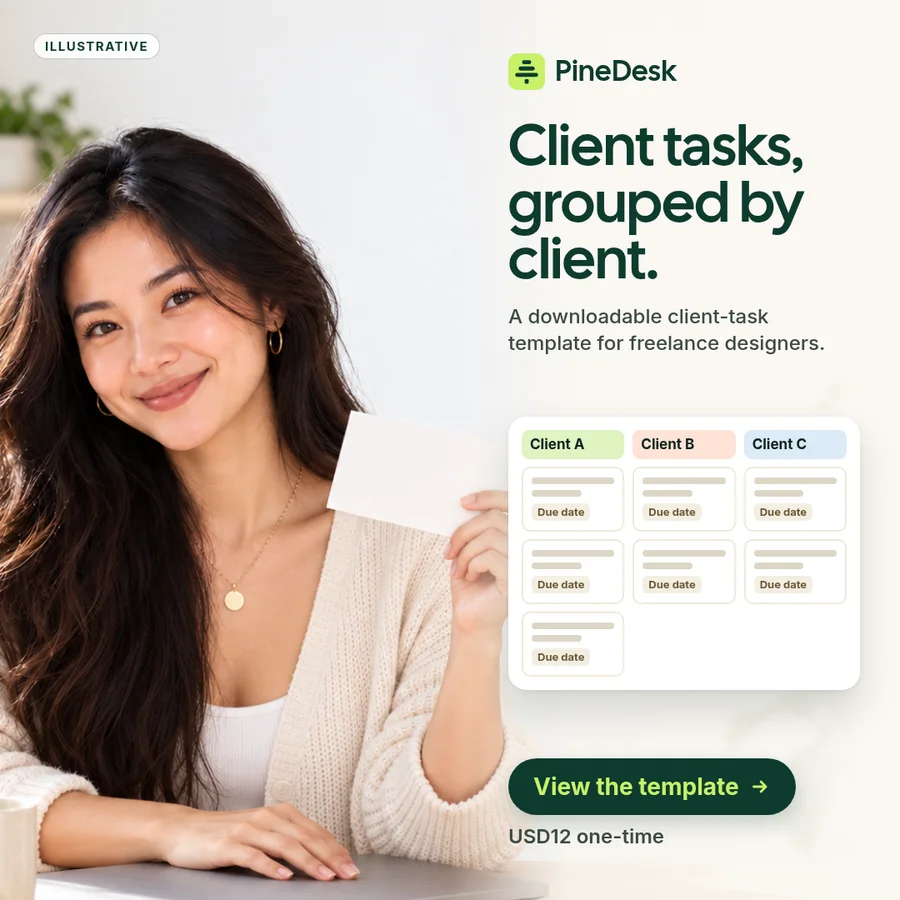
I1 — Client-grouped structure
Angle/buyer tension: Show the template’s client-grouping structure without implying automation.
Headline:
Client tasks, grouped by client.
Primary copy:
PineDesk is a downloadable client-task template for freelance designers, with fields for grouping tasks by client and storing due dates. USD12 one-time.
CTA:
View the template
Production brief:
- Subject: Illustrative paper cards labeled with neutral placeholders such as “Client A” and “Client B.”
- Composition: Separate card groups, each containing simple task lines and date fields.
- Overlay: “Group tasks by client.”
- Placement: Facebook/Instagram Feed image; exact aspect ratio not supplied.
- Assets/exclusions: Label graphics illustrative. Do not depict a real PineDesk UI, logo, integrations, notifications, or customer content.
Claim basis: S1, S2, S3, S4.
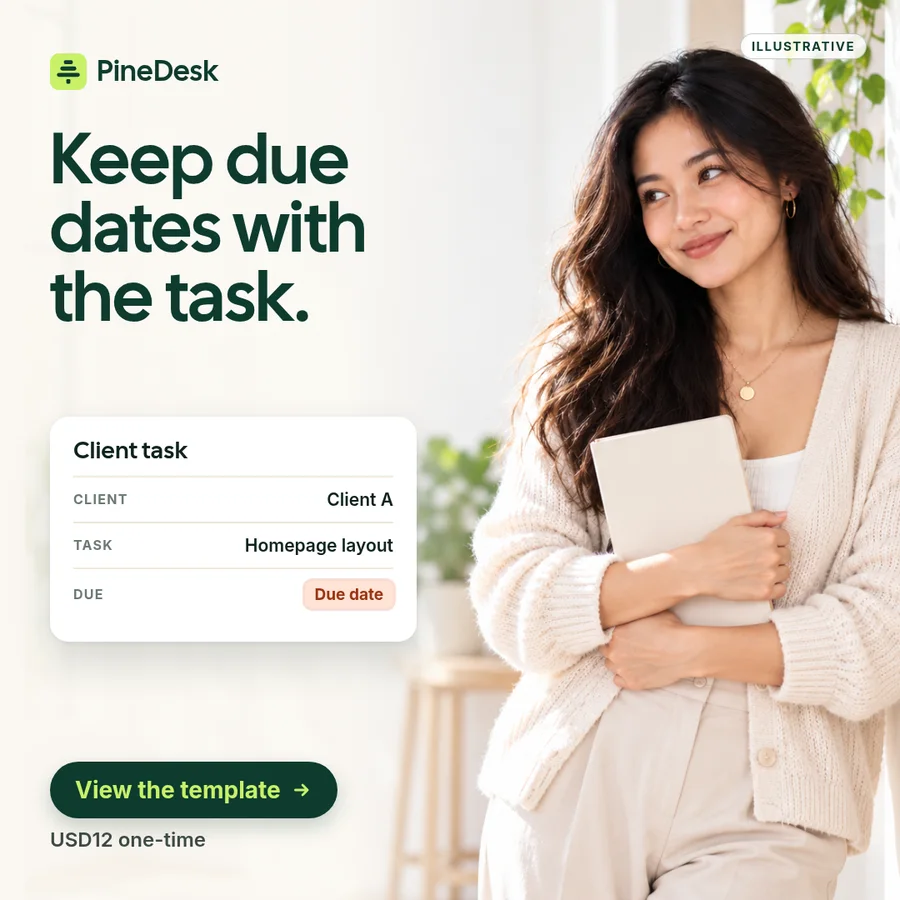
I2 — Due-date focus
Angle/buyer tension: Isolate one approved capability: storing due dates alongside client tasks.
Headline:
Keep due dates with the task.
Primary copy:
PineDesk includes fields for client tasks and their due dates in a downloadable template for freelance designers. One-time price: USD12.
CTA:
View the template
Production brief:
- Subject: Illustrative task cards paired with clearly visible date fields.
- Composition: One central card enlarged, with secondary cards receding behind it.
- Overlay: “Task + due date.”
- Placement: Facebook/Instagram Feed image; exact aspect ratio not supplied.
- Assets/exclusions: Conceptual card treatment only. No calendar integration, alerts, automated reminders, or real screenshots.
Claim basis: S1, S2, S3, S4.
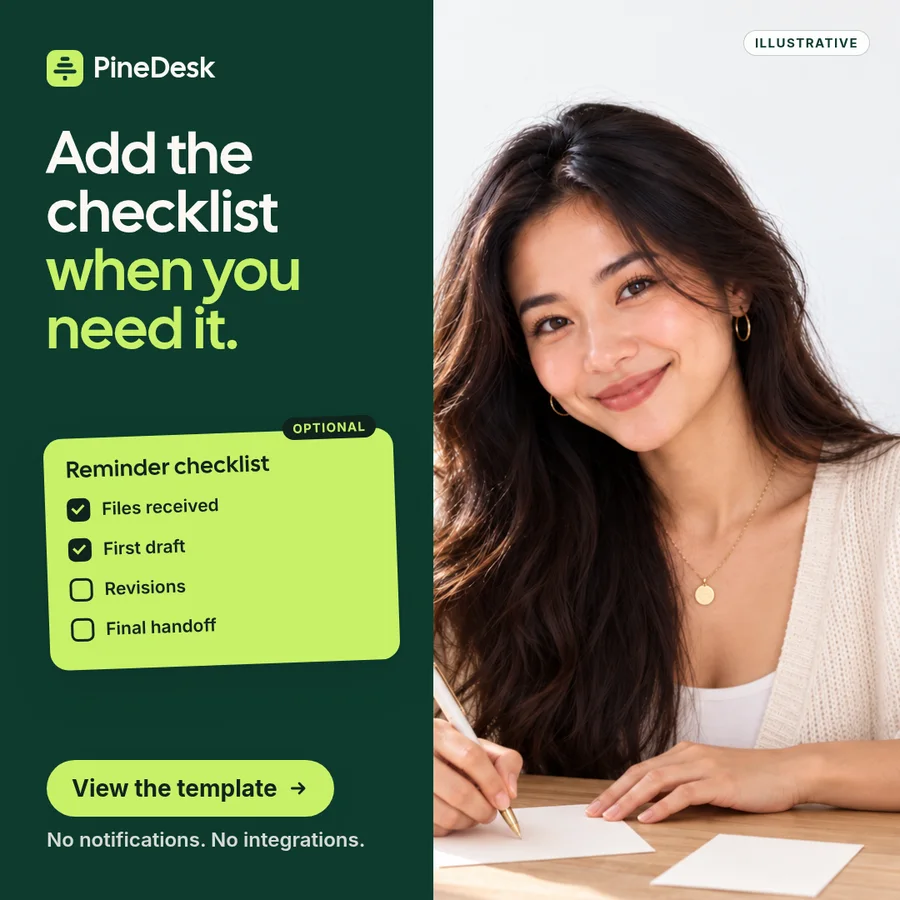
I3 — Optional checklist
Angle/buyer tension: Differentiate the optional reminder checklist while making its non-automated nature clear.
Headline:
Add the checklist when you need it.
Primary copy:
PineDesk includes an optional reminder checklist alongside fields for client tasks and due dates. It sends no notifications and has no integrations.
CTA:
View the template
Production brief:
- Subject: Illustrative paper task card with a separate checklist card beside it.
- Composition: Main task card on one side; optional checklist visually attaches as a second piece.
- Overlay: “Optional reminder checklist.”
- Placement: Facebook/Instagram Feed image; exact aspect ratio not supplied.
- Assets/exclusions: Mark artwork illustrative. Do not depict push alerts, automated actions, integrations, or a real interface.
Claim basis: S1, S2, S4.
3. Two short video-ad script concepts
V1 — Build the structure
Distinct angle: An assembly story: separate paper elements combine into one illustrative client-task template.
Opening hook:
“Client tasks. Due dates. Optional checklist.”
0–5s:
Visual: Loose illustrative paper task cards slide into client-labeled groups.
Text/VO: “PineDesk groups tasks by client.”
5–10s:
Visual: Date fields appear beside the task lines.
Text/VO: “Store due dates with each task.”
10–15s:
Visual: A separate checklist card is added, followed by “USD12 one-time.”
Text/VO: “Add the optional reminder checklist. USD12 one-time.”
Closing CTA:
View the template
Production note: 9:16 Reels. All cards are illustrative, not real UI. No notification or integration behavior.
Claim basis: S1–S4.
V2 — What it includes / what it doesn’t
Distinct angle: A capability-boundary story rather than an assembly sequence.
Opening hook:
“What’s inside PineDesk?”
0–5s:
Visual: Large kinetic text: “GROUP BY CLIENT” with simple illustrative card stacks.
Text/VO: “Fields that group tasks by client.”
5–10s:
Visual: Text changes to “DUE DATES + OPTIONAL CHECKLIST.”
Text/VO: “Store due dates and use an optional reminder checklist.”
10–15s:
Visual: Clean text frame: “No notifications. No integrations. USD12 one-time.”
Text/VO: “No notifications or integrations. USD12 one-time.”
Closing CTA:
View the template
Production note: 9:16 Reels using typography and abstract illustrative paper shapes rather than a simulated interface. This tests a direct feature-and-boundary explanation versus V1’s assembly story.
Claim basis: S1–S4.
4. Test hypotheses
- I1: Tests client-grouping as the lead message. Support: stronger link-click response than the other image executions under comparable delivery.
- I2: Tests due-date storage as the lead message. Support: stronger link-click response than I1 and I3 under comparable delivery.
- I3: Tests the optional checklist plus explicit non-automation boundary. Support: stronger link-click response than the other image concepts under comparable delivery.
- V1: Tests an illustrative build-up sequence that introduces approved features progressively. Support: stronger link-click response than V2 under comparable delivery.
- V2: Tests a direct “includes / does not include” capability explanation. Support: stronger link-click response than V1 under comparable delivery. Link clicks indicate response to the ad, not verified sales.
5. Before use
- Confirm final copy retains only S1–S4 claims, including the “no notifications / no integrations” boundary wherever relevant.
- Replace or approve all illustrative production elements before use; do not present conceptual cards as real PineDesk UI or brand assets.
- Confirm the exact “View the template” CTA points to the supplied product information page and review final ads for applicable platform requirements before publication.
Actual ChatGPT response, unedited, to Workflow 04 (v0.7.1) with a fictional brief. One saved run in ChatGPT on a Pro account with Extra High effort in a temporary chat.